Smart Water Bottles with Reminders: A Desk Worker's Guide to Staying Sharp
How many times have you closed your laptop at six in the evening with a dull ache behind your neck, scratchy eyes, and the distinct feeling you ran a marathon w...

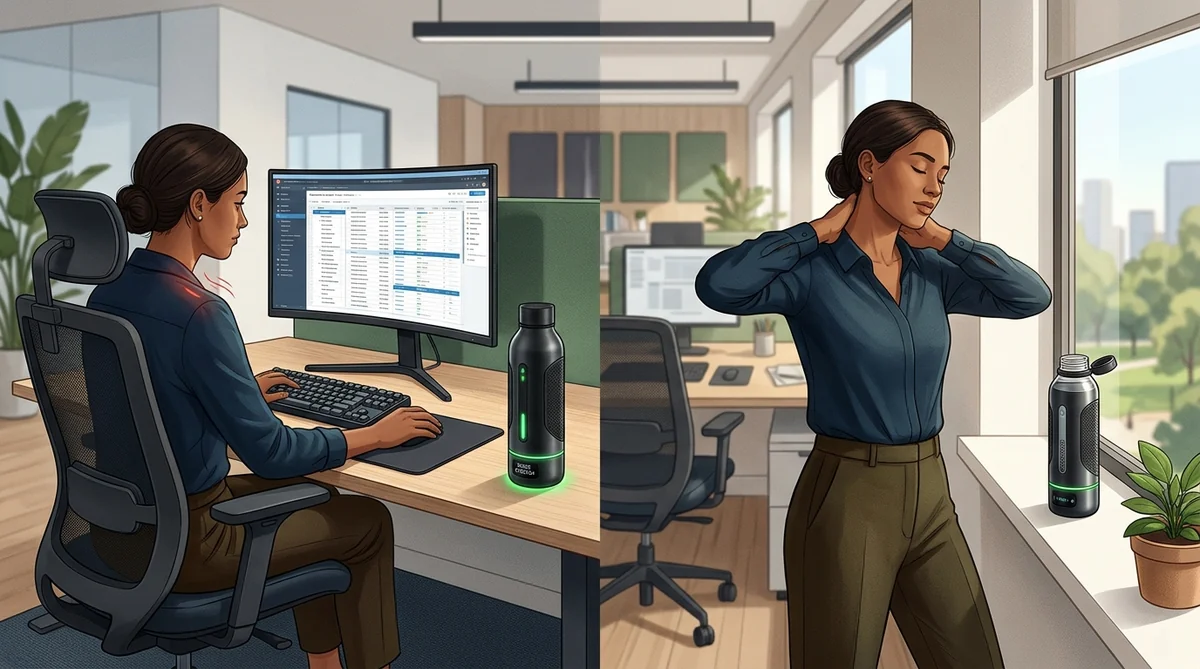
Table of Contents
- Digital Fatigue: Moving Past the Two-Liter Myth
- Sensor Tech and Alerts: LEDs, Haptics, and Bluetooth
- Base Load-Cell Sensors vs. Capacitive Dipsticks: Sip Precision
- Ambient LED Glow vs. Haptic Buzzes
- Best Smart Water Bottles for Your Desk
- HidrateSpark Pro: Best for Connected Setups
- Philips Smart Bottle with UV-C: Clean Water, Zero App Bloat
- WaterH Boost: Purity Scans and Wireless Docking
- Workflow Integration: Pomodoro & Notion
- Calibration Checklist for Desk Duty
- Frequently Asked Questions
- Do smart water bottles make noise during work meetings?
- Can I put hot coffee or tea inside a smart water bottle?
- How do you wash the sensor without damaging the electronics?
- The Quiet Routine That Carries Your Day
- Sources
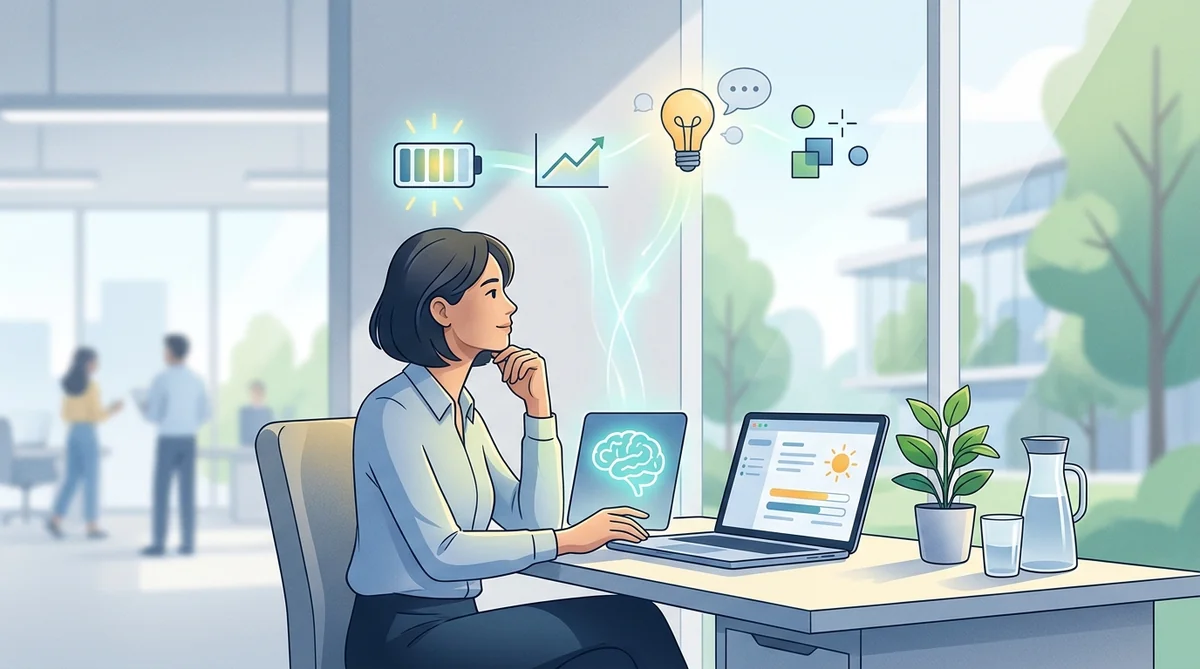
How many times have you closed your laptop at six in the evening with a dull ache behind your neck, scratchy eyes, and the distinct feeling you ran a marathon without ever leaving your chair? For months, I convinced myself that brain fog was just the unavoidable cost of doing focused screen work.
Then I caught a glimpse of my water glass: it was just as full at 5:00 p.m. as it had been at 9:00 a.m. I was not out of energy; I was silently, severely dehydrated from hours of digital inertia.
At a desk, your mind plays tricks on you. When you enter deep flow or hop across back-to-back video calls, your body's thirst signals get tuned out entirely. Waiting until your mouth feels dry means you are already late—by that point, reduced cognitive processing speed and eye fatigue have already cut your clarity in half.
Chugging two liters of water right before dinner out of sheer guilt solves nothing; it just ruins your sleep cycle.
Setting a smart water bottle with reminders on your desk is not about buying another gadget to hoard data. It is about offloading your somatic memory. A gentle light pulse in your peripheral vision brings you back into your body, syncs genuine active breaks, and protects your focus without breaking stride.
We evaluated the most reliable office models by sensor accuracy and daily ergonomics to separate expensive novelties from dependable tools.
| Selection Category | Recommended Model | Alert System | Battery Life / Charging | Ideal User Profile |
|---|---|---|---|---|
| Best Overall Pick | HidrateSpark Pro (21 oz / 620 ml) | Customizable 360° RGB LED glow | 10 to 14 days (Rechargeable battery) | Professionals wanting automatic sync and granular metrics. |
| Hygienic Value Pick | Philips Smart Bottle UV-C | Discreet cap-mounted glow ring | Up to 30 days (Magnetic cable) | Corporate desk workers prioritizing self-sanitizing hardware. |
| Premium / Desk Aesthetic | WaterH Boost | Perimeter LED pulse + TDS purity sensor | 10 days (Qi wireless charging dock) | Minimalist workspaces and real-time water quality tracking. |
Digital Fatigue: Moving Past the Two-Liter Myth
Hours in an office chair drop your blink rate, tighten your shoulders, and dull your awareness of internal physical signals. We routinely blame the 3:00 p.m. headache on our workload, when it is frequently the direct result of dehydrated connective tissue and prolonged physical stasis.
The fix is not keeping an oversized gallon jug on your desk and forcing yourself to chug through sheer willpower. According to an analysis on actual water requirements by Harvard Health Publishing, the rigid rule of eight glasses a day lacks universal scientific grounding. Real physiological demand shifts constantly with body mass, room temperature, and individual metabolic rate.
💡 Consejo Pro
The universal eight-glasses-a-day rule is an oversimplified myth. Desk hydration works best as an anchor for presence: small, rhythmic sips that reoxygenate the brain, relax the eyes, and reset mental clarity.
Treating hydration as an intentional micro-pause breaks screen trance without derailing focus. Taking a sip takes five seconds, but that brief focal shift relaxes your eyes' ciliary muscles and relieves tension built up across your neck and upper back.
Sensor Tech and Alerts: LEDs, Haptics, and Bluetooth
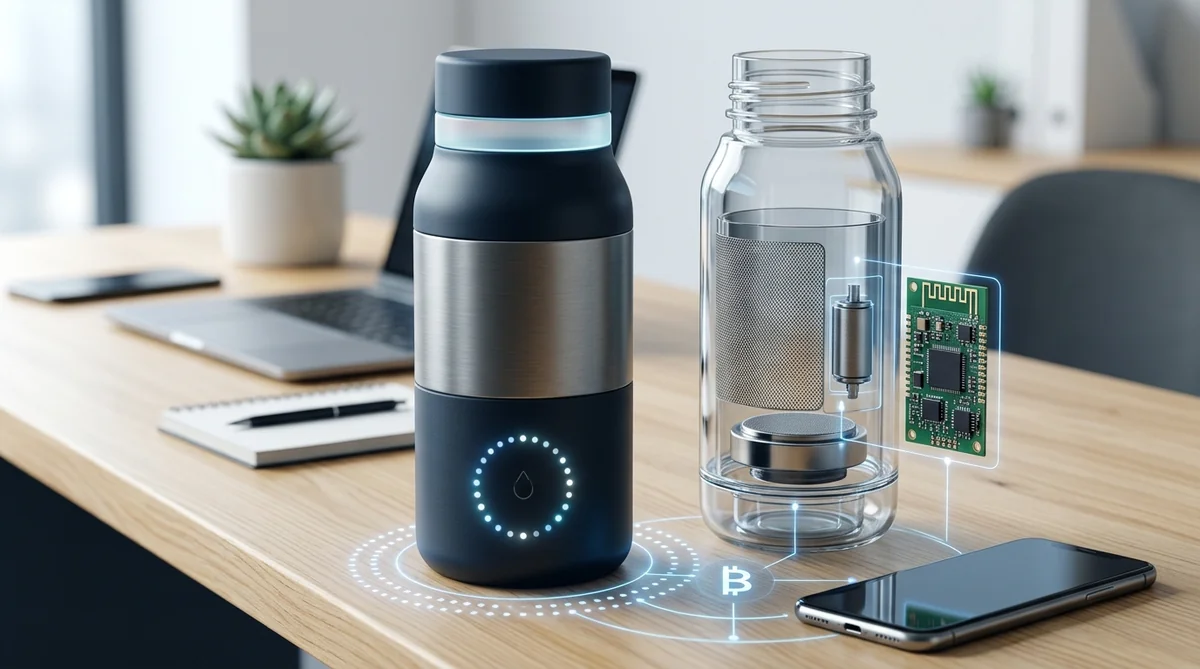
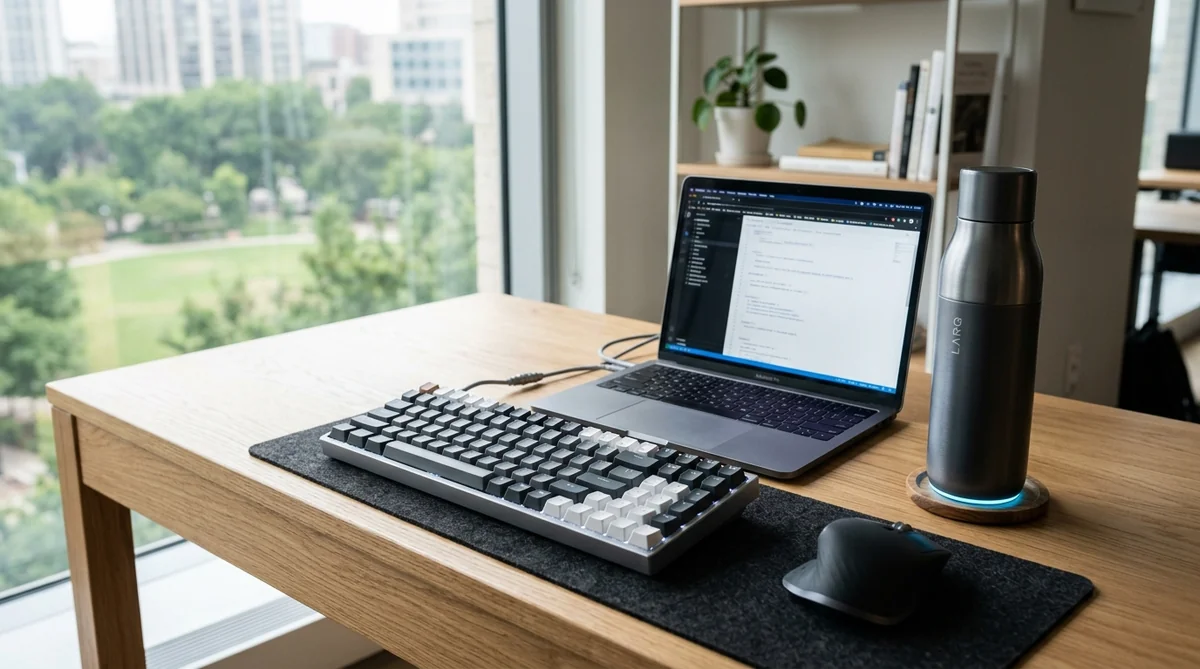
Not every smart bottle relies on the same internal mechanics. Models designed for the gym often lean on chime alarms or loud phone notifications that feel invasive in a quiet office. On a productive desk setup, sensor engineering and alert styles make the difference between a helpful nudge and an irritating distraction.
Measurement architecture has moved far past basic accelerometers. As detailed in the official documentation for the HidrateSpark SipSense sensor system, high-end bottles use direct volumetric sensors coupled with Bluetooth Low Energy (BLE) to sync intake metrics to your laptop or phone without chewing through battery life.
Base Load-Cell Sensors vs. Capacitive Dipsticks: Sip Precision
Manufacturers take two distinct engineering approaches to track your daily fluid volume:
- Bottom load-cell sensors: Sitting in the base of the bottle, these weigh the vessel every time you lift it and set it back down. Because the sensor never contacts the liquid, maintenance is simple and hygienic. They require a rigid desk surface, however; resting them on a plush felt desk mat or padded mousepad can distort weight readings.
- Capacitive dipsticks: These run from the collar down into the core of the container, tracking changes in electrical capacitance as liquid levels rise and fall. They log volume accurately even if you hold the bottle mid-air or place it on an armchair, though the internal probe requires regular hand-washing to prevent mineral scale buildup.
Ambient LED Glow vs. Haptic Buzzes
In a shared workspace or during an open-mic Zoom call, silence is non-negotiable. A water bottle that beeps during a client review is an embarrassment waiting to happen.
The most thoughtfully designed office bottles use a low-key 360-degree ambient glow at the base. Your peripheral vision catches this soft light without requiring you to turn your head, preserving your focus. In contrast, haptic motors that buzz can rattle solid wooden desktop surfaces, sending an annoying hum straight into your microphone while you speak.
Best Smart Water Bottles for Your Desk
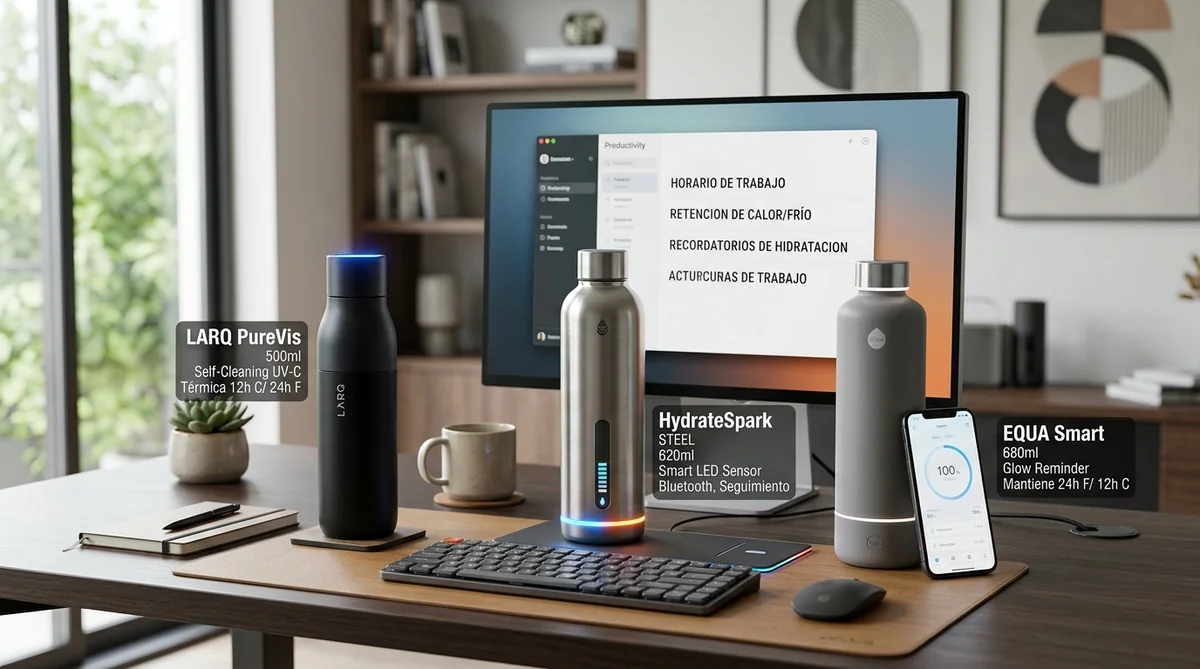
To find the hardware best suited for everyday desk duty, we evaluated fluid capacity, thermal performance, wireless stability, and daily cleaning logistics.
| Device | Capacity | Thermal Construction | Battery & Power | Connectivity & Ecosystem | Best Workspace Strengths |
|---|---|---|---|---|---|
| HidrateSpark Pro | 21 oz / 620 ml (32 oz available) | Vacuum-insulated stainless steel (24h cold) | 14-day battery via magnetic cable | Bluetooth Sync (Apple Health, Garmin) | Fully custom RGB glow ring; seamless background syncing. |
| Philips Smart UV-C | 20 oz / 590 ml | Double-wall stainless steel | 30-day battery via magnetic pins | Standalone (No phone app required) | Automatic UV-C sterilization every 2 hours; zero odors. |
| WaterH Boost | 18 oz / 530 ml | Food-grade steel with matte finish | 10 days on dedicated Qi wireless pad | Bluetooth with native WaterH app | Real-time TDS water quality scan; clean wireless dock design. |
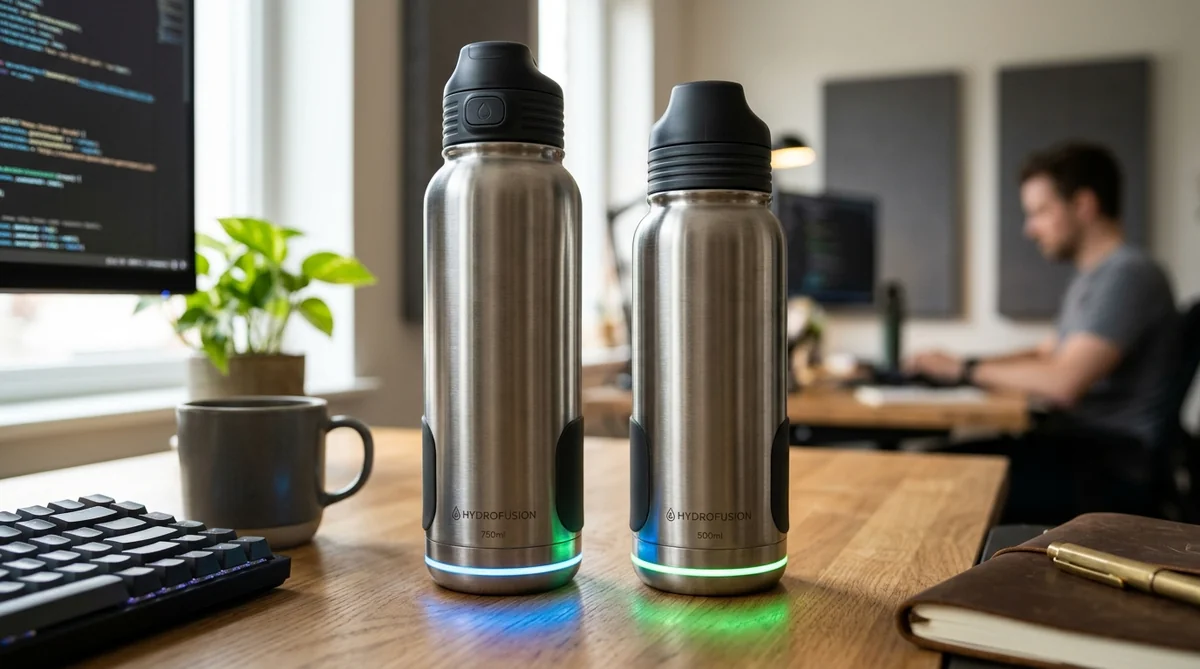
HidrateSpark Pro: Best for Connected Setups
The HidrateSpark Pro remains the most refined tech integration for desk-bound professionals. Its double-walled stainless steel body keeps water genuinely cold all day without sweating onto wooden tabletops or soaking paper notes.
The bottom LED module produces a soft, configurable light pulse you can customize inside the app. Because it integrates directly with Apple Health and Google Fit, your hydration metrics feed your health dashboard without extra manual logging. The main drawbacks are the $70+ price tag and the base sensor's sensitivity to thick, squishy desk mats.
Philips Smart Bottle with UV-C: Clean Water, Zero App Bloat
If you prefer to keep your workspace free from yet another app asking for Bluetooth permissions, the Philips Smart Bottle is an outstanding alternative. It features an integrated UV-C light in the cap that destroys up to 99.9% of odor-causing bacteria inside the bottle.
The cap lights up softly every two hours to nudge you toward an active break, functioning entirely on its own. With battery life running roughly four weeks on a single magnetic charge, it serves as a self-cleaning, distraction-free companion for long work blocks.
WaterH Boost: Purity Scans and Wireless Docking
The WaterH Boost is built for minimalists who care about aesthetic details and hardware design. It docks onto a companion wireless induction coaster, meaning you simply drop it on your desk pad to charge without plugging in cables.
Inside, an integrated TDS (Total Dissolved Solids) sensor scans the mineral and purity profile of your water on every fill-up, communicating results through color shifts on its perimeter LED ring. At 18 ounces, you will refill it more often than larger competitors, but its clean silhouette and absence of exposed ports look right at home on an executive desk.
Workflow Integration: Pomodoro & Notion
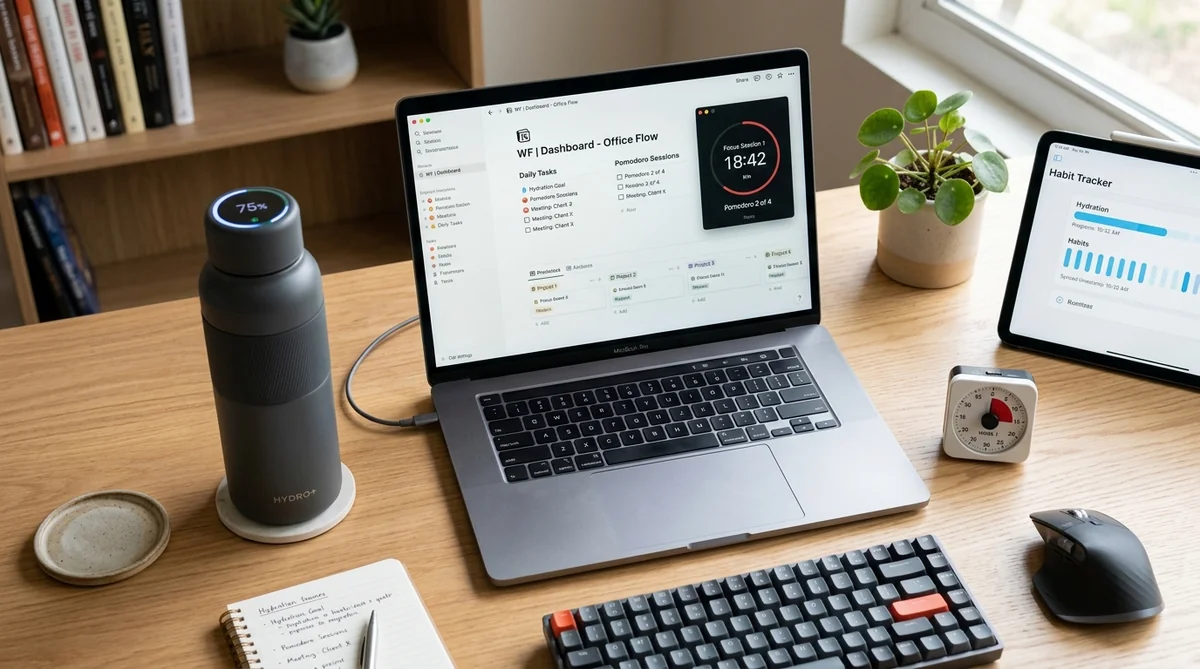
A piece of desk hardware only proves its worth when it meshes smoothly with your existing routines. Connecting your smart bottle's alerts to time-tested focus strategies keeps your mental energy protected without introducing administrative overhead.
If you run on Pomodoro intervals—25 or 50 minutes of deep work paired with short breaks—match your bottle's light pulses to the start of those rest windows. When the glow triggers, resist opening social feeds. Take five minutes to drink water slowly, breathe deep, and flex your wrists away from the keys.
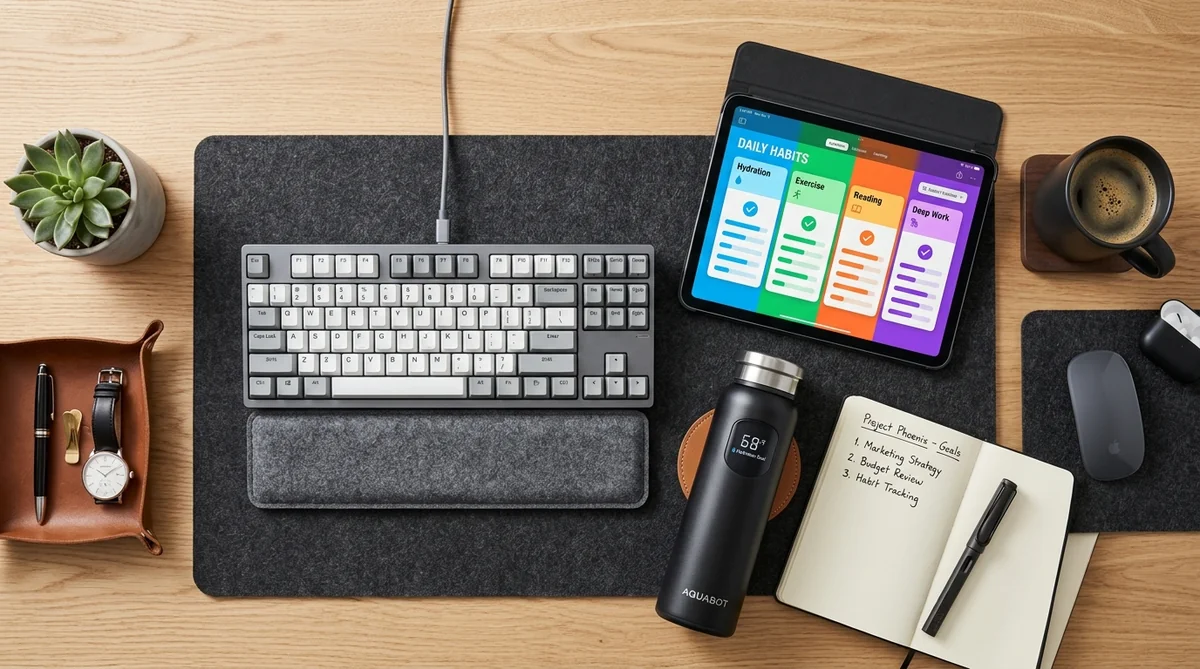
[Focus Sprint: 25 min] ➔ [Subtle LED Glow: Rest Cue] ➔ [Hydrate + Eye Reset: 5 min]
If you track personal systems in Notion, utilities like Waterllama or Focus Booster can route your daily intake logs into central performance dashboards. Over a few weeks, the correlation between your hydration habits and your late-afternoon energy levels becomes obvious.
📌 Importante
Mute audible alerts and push notifications on your phone. If your desk bottle already gives you a gentle, peripheral light reminder, duplicate vibrations on your smartwatch or phone only shatter your focus and create unnecessary friction.
Calibration Checklist for Desk Duty
Setting up your bottle properly on day one eliminates false readings and guarantees the tech works for you, not the other way around. Follow this simple protocol:
- Establish a firm surface: Rest your bottle on the solid surface of your desk. Avoid unstable monitor risers, stacked notebooks, or thick foam mats that throw off tare weight sensors.
- Run an empty tare calibration: Fire up the companion app and run the zero-point tare calibration with the bottle completely empty and dry.
- Verify fill accuracy: Fill the bottle to the manufacturer's maximum fluid line and confirm the app's digital readout mirrors that target volume.
- Tune LED brightness: Dial the LED pulse intensity down to 30% or 40% if you work in dim or moody lighting, keeping the cue visible without being harsh.
- Set an honest daytime goal: Set a target covering just your active work hours (1.2 to 1.5 liters while at your desk, for example), letting your natural appetite and meals handle the rest once you log off.
- Wash electronics safely: Always twist off and set aside the electronic base or smart cap before washing the main body in warm, soapy water. Clean exposed charging pins with a dry microfiber cloth.
Frequently Asked Questions
Do smart water bottles make noise during work meetings?
No. Bottles built for office environments use quiet LED light rings and 360-degree ambient pulses at the base. You get a visible cue in your peripheral vision without chimes interrupting client calls or distracting colleagues in an open floor plan.
Can I put hot coffee or tea inside a smart water bottle?
It depends entirely on the design. Only insulated stainless steel models with dry, non-submerged base sensors can handle hot liquids. Bottles built from Tritan plastic or equipped with internal immersion rods are generally restricted to room-temperature or cold water to protect sensitive electronics.
How do you wash the sensor without damaging the electronics?
Always detach or unscrew the sensor base or smart cap before washing. The steel flask washes easily with warm water and mild soap, while the electronic module should only be wiped down with a lightly damp cloth.
The Quiet Routine That Carries Your Day
We work surrounded by push alerts, color-coded calendar invites, and task queues that never actually clear out. Caught in that steady current, it is easy to assume mental sharpness comes from pushing harder and treating ourselves like machines, rather than tending to baseline biology.
A smart water bottle sitting next to your keyboard is not a badge of honor for hardware forums. It is a quiet reminder that your body is still there, holding up every line of code, every email, and every decision you make.
This is not about obsessing over graphs on a screen or treating hydration like another quarterly metric. It is about building small pockets of stillness into the workday. The habits that change our performance rarely look dramatic—they are steady, practical, and almost completely silent.
Trademark Disclaimer: All trademarks, logos, and brand names cited (including HidrateSpark, Philips, WaterH, Apple, Google, Zoom, Notion) are the property of their respective owners. Their mention in this publication is strictly for educational and instructional purposes under nominative fair use principles, with no affiliation, endorsement, or sponsorship by the trademark holders.
Sources
- Harvard Health Publishing: How much water should you drink? - Medical overview examining individualized fluid requirements and debunking rigid daily volume rules.
- Stanford Report on Workplace Productivity — Reference documentation and empirical data (news.stanford.edu).
- Harvard Business Review Research & Insights — Reference documentation and empirical data (hbr.org).
- National Bureau of Economic Research (NBER) — Reference documentation and empirical data (www.nber.org).
- Nature Human Behaviour Research — Reference documentation and empirical data (www.nature.com).
Written by Félix Soler
Wellness & Psychology Editorial Team
Personaje editorial de El Optimista. Comparte pequeños hábitos diarios para superar el cansancio, organizarte mejor y vivir con calma.
Thematic editorial persona backed by our human curation team.
Smart Rings: Why Professionals Are Ditching Wrist Screens at Work
Forget the Clock: The Real Blueprint for Managing Energy at Work